
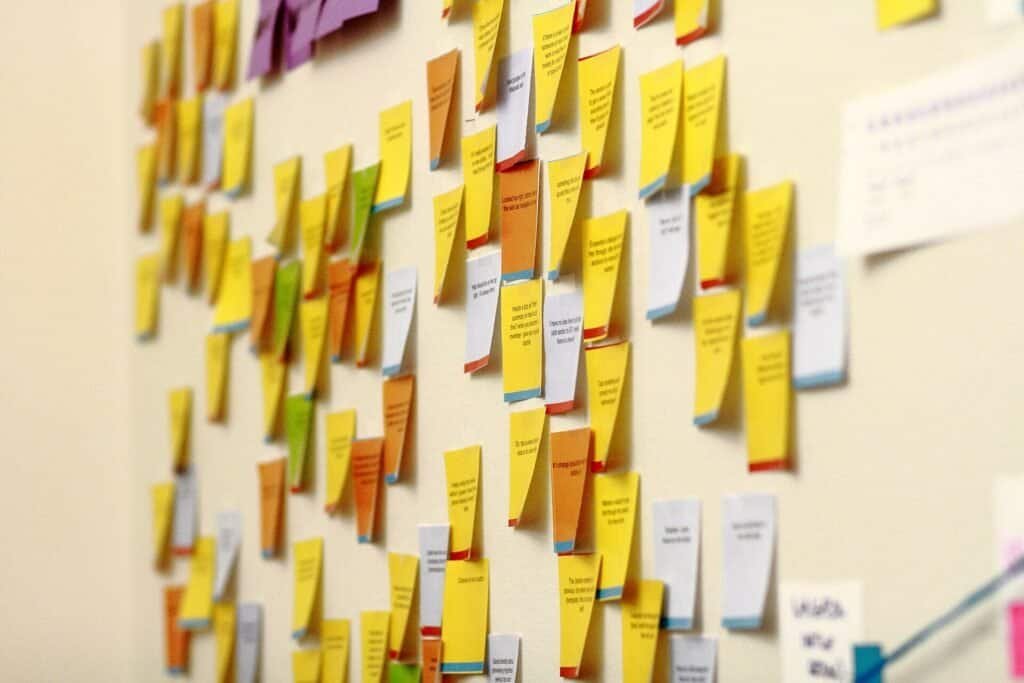
A sprint retrospective is only as useful as the honesty and specificity in the room, and AI is good at both prompting for that honesty and turning a messy discussion into action items someone will actually own. The risk with using AI here isn’t bad output — it’s generic output: a retro that produces “communicate better” as an action item helps no one. The fix is asking for structure and specificity in the same prompt.
What’s the Point of a Retrospective, and Why Does That Change Your Prompt?
A sprint retrospective is the point in a sprint cycle where the team steps back from the work itself and looks at how they worked — what helped, what got in the way, and what’s worth trying differently next sprint. Because the goal is a concrete commitment rather than a general feelings check, every prompt you give an AI tool for this should push toward specificity: not “what went wrong” but “what went wrong, who was involved, and what would have prevented it.”
What Prompt Turns Raw Notes Into a Structured Retro Format?
If your team already jots down rough notes during the retro, feed them to AI with a specific format request rather than asking for a generic summary:
“Here are our raw retro notes from this sprint: [paste notes]. Organize them into a Start/Stop/Continue format — things to start doing, things to stop doing, and things to keep doing. Group similar points together and remove duplicates, but don’t soften or generalize what people actually said.”
Start/Stop/Continue is one of several standard retro formats, alongside options like Mad/Sad/Glad or the Sailboat exercise (where “wind” represents momentum and “anchors” represent obstacles) — naming the format explicitly in your prompt gets a far more usable structure than asking for a generic summary.
How Do You Prompt for Honest Input Instead of Vague Positivity?
Teams often default to safe, vague comments in a retro — “communication could be better” — that don’t lead anywhere. Use AI to turn vague input into a question that forces specificity before the meeting even starts:
“Turn these vague retro comments into specific follow-up questions I can ask the team to get concrete detail: [paste comments like ‘communication was rough’ or ‘the sprint felt chaotic’]. Each follow-up question should ask for a specific example, moment, or decision rather than a general impression.”
What Prompt Converts Retro Discussion Into Owned Action Items?
The whole point of a retrospective is walking away with at least one commitment the team will actually try next sprint, and the most common way retros fail is ending without one. Close every retro with a prompt like this:
“From this retro discussion: [paste discussion or notes], extract one to three action items. For each one, specify exactly what will change, who owns following through on it, and how we’ll know next sprint whether it actually happened.”
Keeping the list to one or two small, owned action items — rather than a long wish list nobody is accountable for — is what separates a retro that changes something from one that’s just a ritual. For following up on those commitments between retros, see AI Prompts for Turning Meeting Notes Into Action Items.
Frequently Asked Questions
Can AI run the whole retrospective instead of a human facilitator?
Not well, at least not yet. A retro depends on reading the room, sensing when someone is holding back, and adjusting the conversation in real time — things a facilitator does that a prompt can’t. AI is most useful before the meeting (framing questions) and after it (structuring notes into action items), with a human still running the actual discussion.
How often should action items from a retro be reviewed?
At the start of the next retrospective. Opening with “here’s what we committed to last time, here’s what happened” closes the loop and is what keeps a team treating action items as real commitments rather than suggestions that quietly disappear.
What if the same issue keeps coming up retro after retro?
Ask AI to compare the current retro notes against the last two or three sprints’ notes and flag recurring themes explicitly. A problem that survives three retrospectives in a row usually isn’t a one-off execution issue — it’s a process or resourcing problem that needs a bigger conversation than a single action item can fix.
For related reading on this blog, see AI Prompts for Running Meeting Agendas That Keep Everyone on Track and AI Prompts for Turning Meeting Notes Into Action Items. For more on retro formats, see this guide to running a sprint retrospective.

